




Screen Recorder for Android — Audio, Facecam & On-Screen Markup

Clypzo helps you record your screen smoothly in HD. Capture gameplay, tutorials, video calls, and app demos with internal audio (Android 10+), microphone sound, and facecam (front or back camera). Draw, highlight, and mark on the screen while recording.

1080p Full HD Recording
60FPS Smooth Gameplay Videos
No Watermark Clean Screen Videos
Clypzo screen recorder app preview
Facecam
Audio
Markup
ABOUT CLYPZO

Record screen videos, gameplay, and tutorials in a simple way

Clypzo is a fast and reliable screen recorder for Android. It helps you create clear screen recordings and screenshots for gaming, work, learning, and daily use.

Use it as a game recorder, a screen video recorder with audio, or a tutorial maker. Add your facecam, record internal sound (Android 10+), and draw on the screen while recording to explain things better.

No Limit
Record as long as you want
No Root
Works on most devices
HD
Smooth & clear videos
Easy
Simple controls
Record screen with audio and facecam

Made for Everyone

Gamers, creators, students, teachers, and professionals can record and share easily.

Screen capture and screenshot tool
Screen recording with markup and annotation
Screen Recording

Record screen videos in HD. Great for tutorials, meetings, and app demos.

Game Recorder

Capture smooth gameplay videos up to 1080p and 60FPS.

Draw & Markup

Highlight and annotate on-screen while recording to explain clearly.

Features

Features

Clypzo is a free screen recorder and screen capture app for Android. Record smooth screen videos and gameplay in HD with audio recording and facecam. Capture internal audio (Android 10+), record microphone sound, and use on-screen markup to draw, highlight, and annotate while recording. No watermark, no time limit, and no root needed.

HD Screen Recording

Use Clypzo as a fast screen video recorder to record screen videos for tutorials, app demos, and gameplay. Choose the quality you need and record without lag.

Screen recorder with adjustable resolution (HD / Full HD)
Record screen up to 1080p with smooth 60FPS gameplay recording
No watermark screen recorder for clean screen videos
No time limit screen recording and no root required
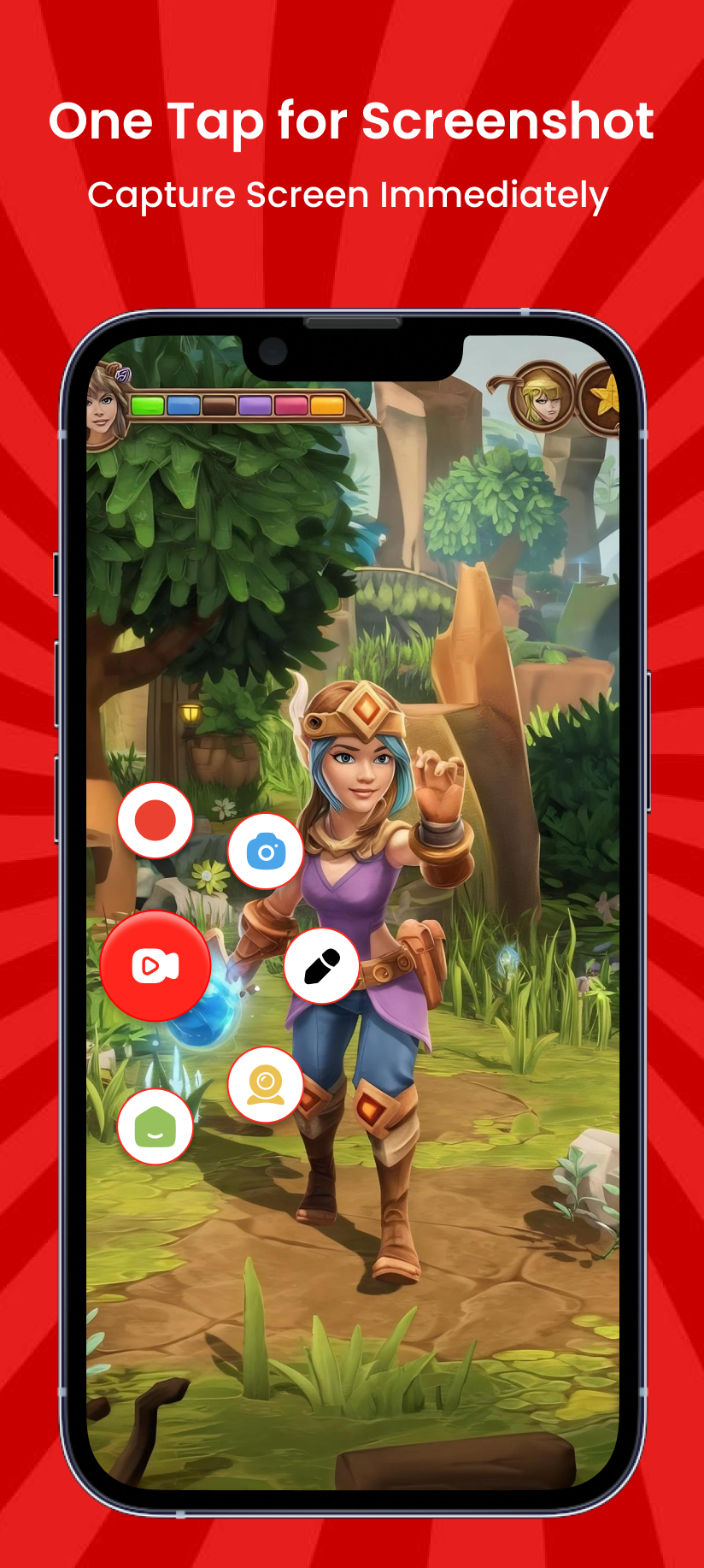
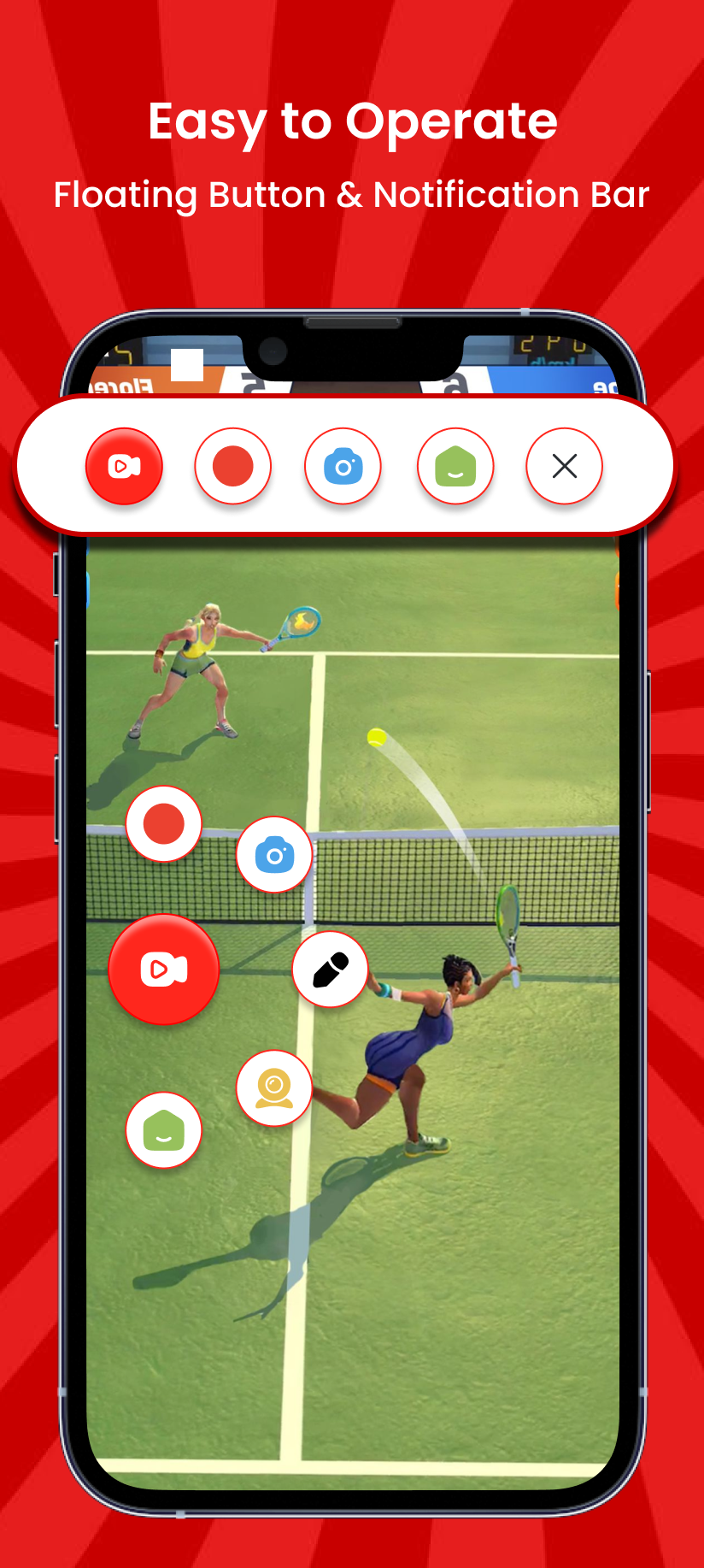
Floating controls to start, pause, and stop recording quickly
Get Clypzo
Screen recording app preview

Screen Recorder with Audio

Record screen recording with sound using microphone audio and (on supported devices) internal audio recording for games and apps on Android 10+.

Screen recorder with audio from microphone for voice narration
Internal audio recording (Android 10+) for game sound and app sound
Great for tutorials, presentations, and screen recording with sound
Clear audio recording for both voice and device audio
Download
Screen recording with audio

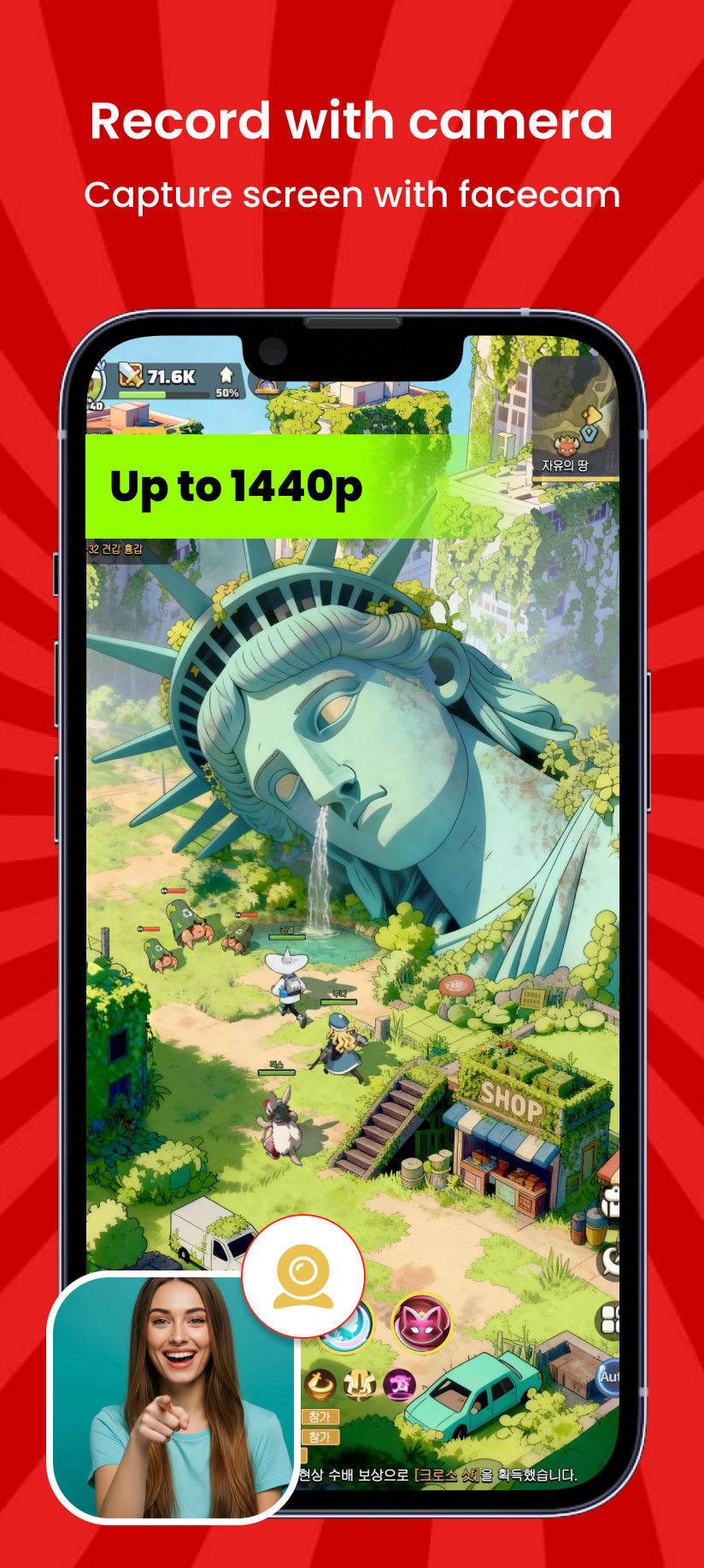
Facecam Overlay (Front/Back Camera)

Add a camera overlay on top of your screen recording. Use it as a facecam screen recorder for reactions, commentary, tutorials, and walkthrough videos.

Facecam screen recorder with camera overlay
Use front or back camera while recording your screen
Perfect for gameplay commentary, reactions, and explainer videos
Move and resize the facecam window anywhere on the screen
Get the App
Facecam overlay while recording

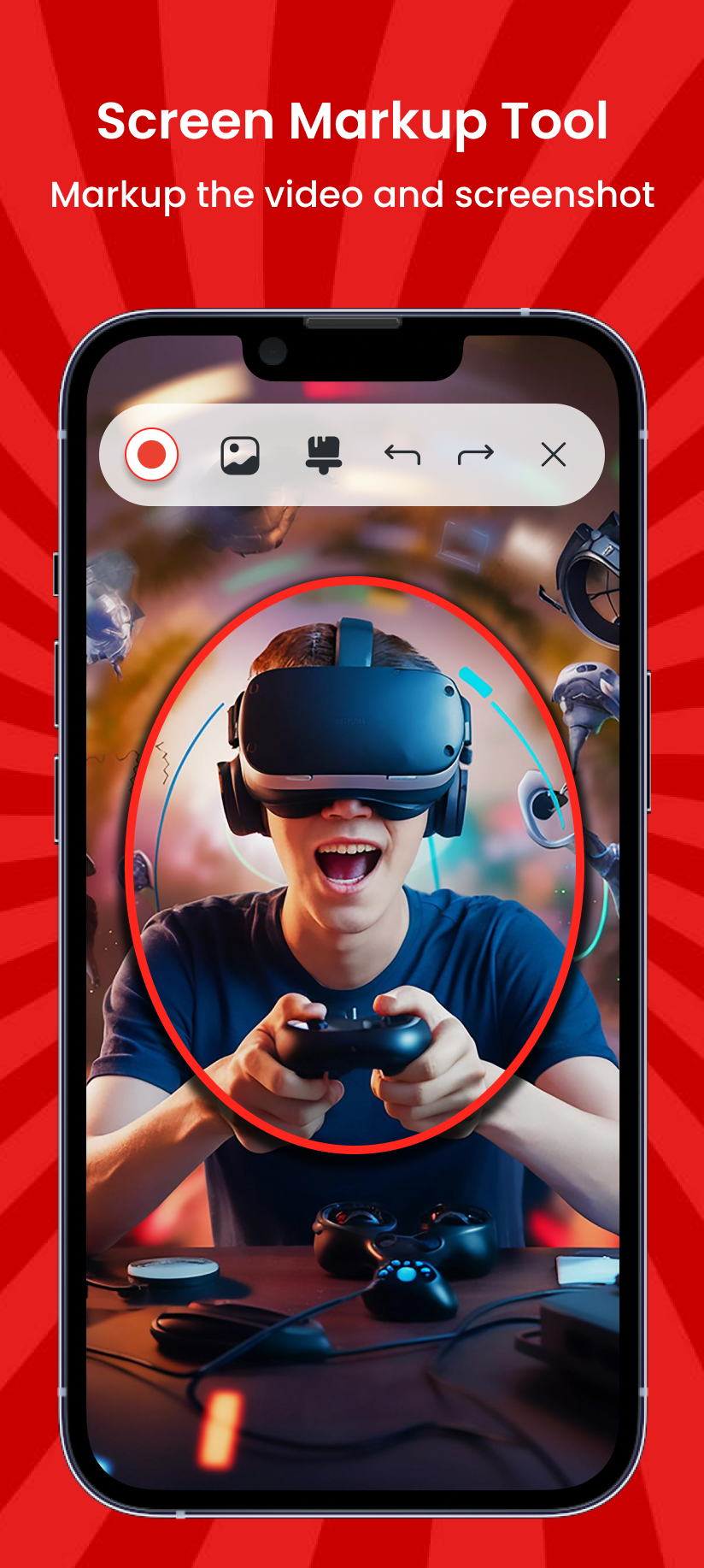
Draw, Highlight & Annotate

Use Clypzo’s brush tool to draw on screen while recording. Add screen markup, highlight buttons, and explain steps clearly during screen recording.

Draw on screen while recording using the brush tool
Screen markup and screen annotation for tutorials and demos
Highlight important buttons and areas in real time
Better screen recording for teaching, training, and step-by-step guides
Download Now
Screen markup and drawing tool
Screenshots

App Screenshots

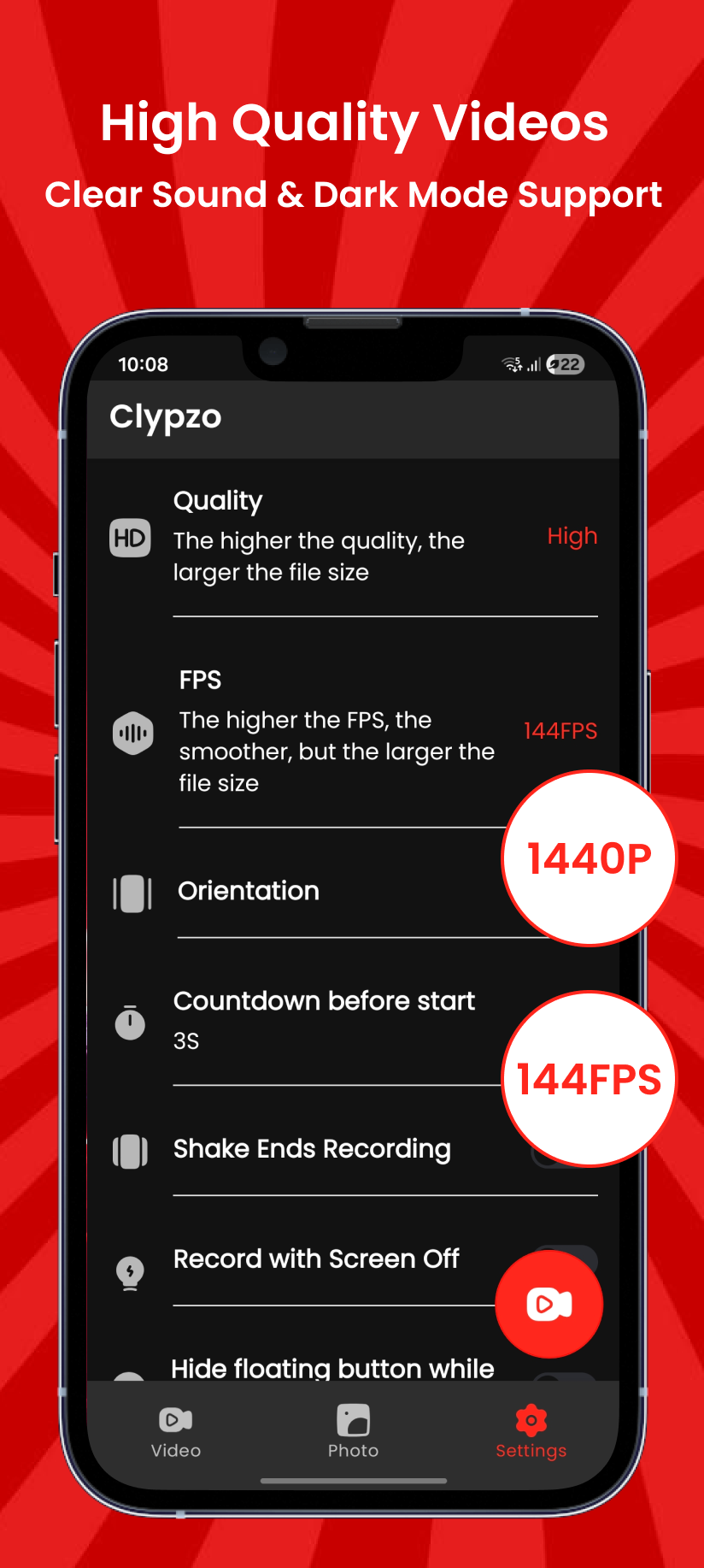
Explore Clypzo’s UI—screen recording, facecam overlay, audio options, and live markup tools.

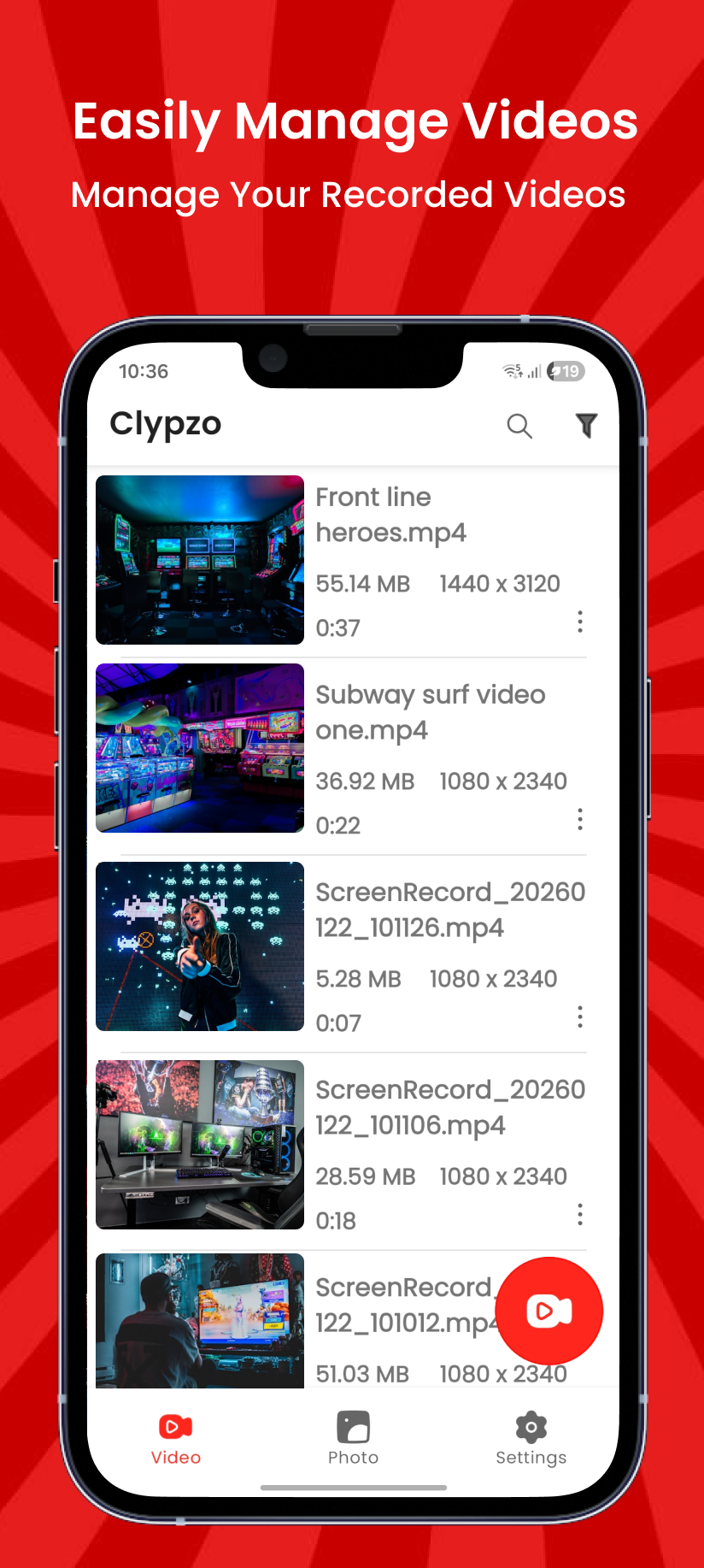
Clypzo screenshot - Home screen
Home screen & quick actions
Clypzo screenshot - Recording controls
Floating recording controls
Clypzo screenshot - Facecam overlay
Facecam overlay (front/back camera)
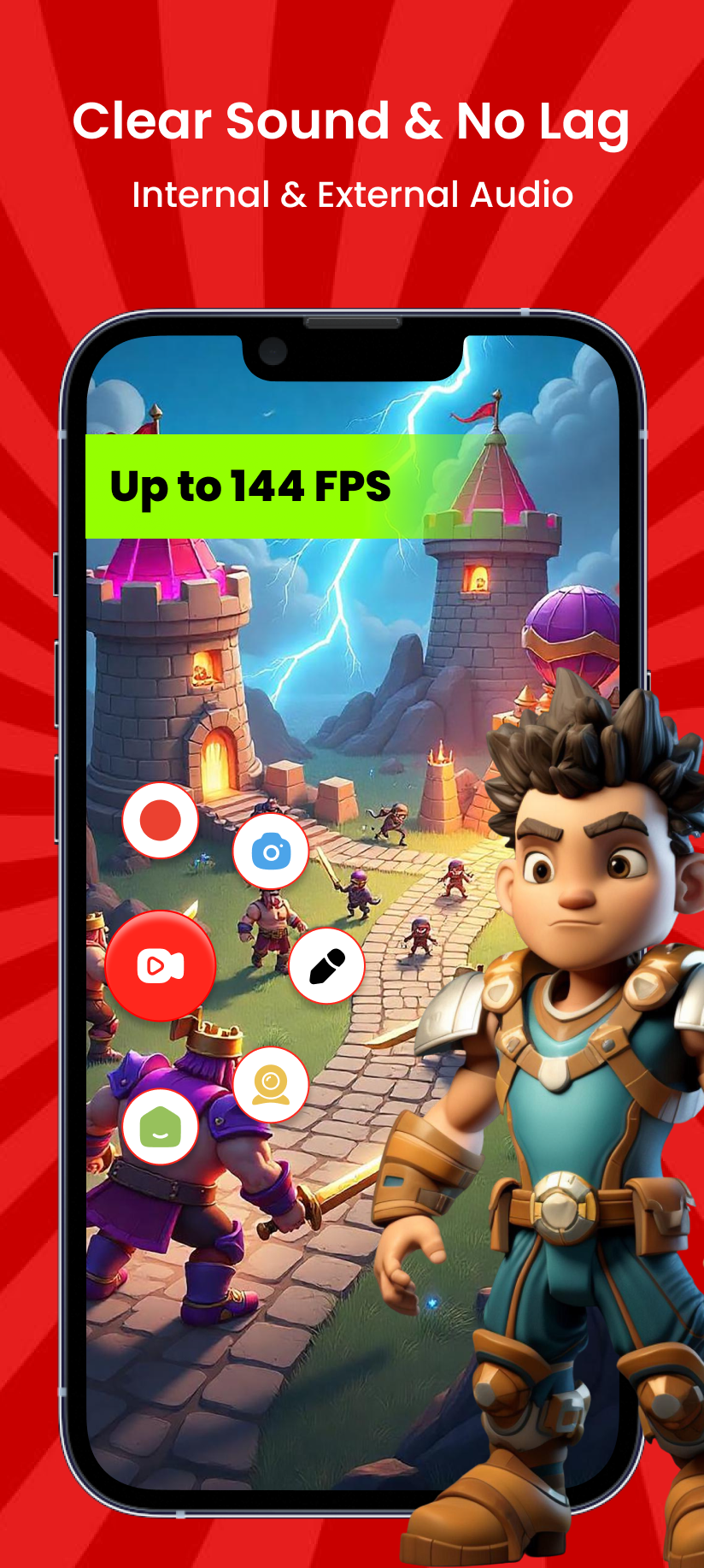
Clypzo screenshot - Audio options
Audio: mic + internal audio (Android 10+)
Clypzo screenshot - Markup tools
Live markup: draw, highlight, annotate
Clypzo screenshot - Markup tools
Live markup: draw, highlight, annotate
Clypzo screenshot - Markup tools
Live markup: draw, highlight, annotate
Clypzo screenshot - Markup tools
Live markup: draw, highlight, annotate
Services

Use Cases

Common ways people use Clypzo for screen recording and screen capture.

01
Gameplay Recording

Record gameplay with audio and facecam. Share your highlights and reactions.

02
Tutorials & How-To Videos

Create clear tutorials with on-screen drawing, voice narration, and screen capture.

03
Work & App Demos

Record your screen for bug reports, product demos, and training videos.

04
Video Calls

Save important moments from video calls (please record only with permission).

05
Screen Capture & Screenshots

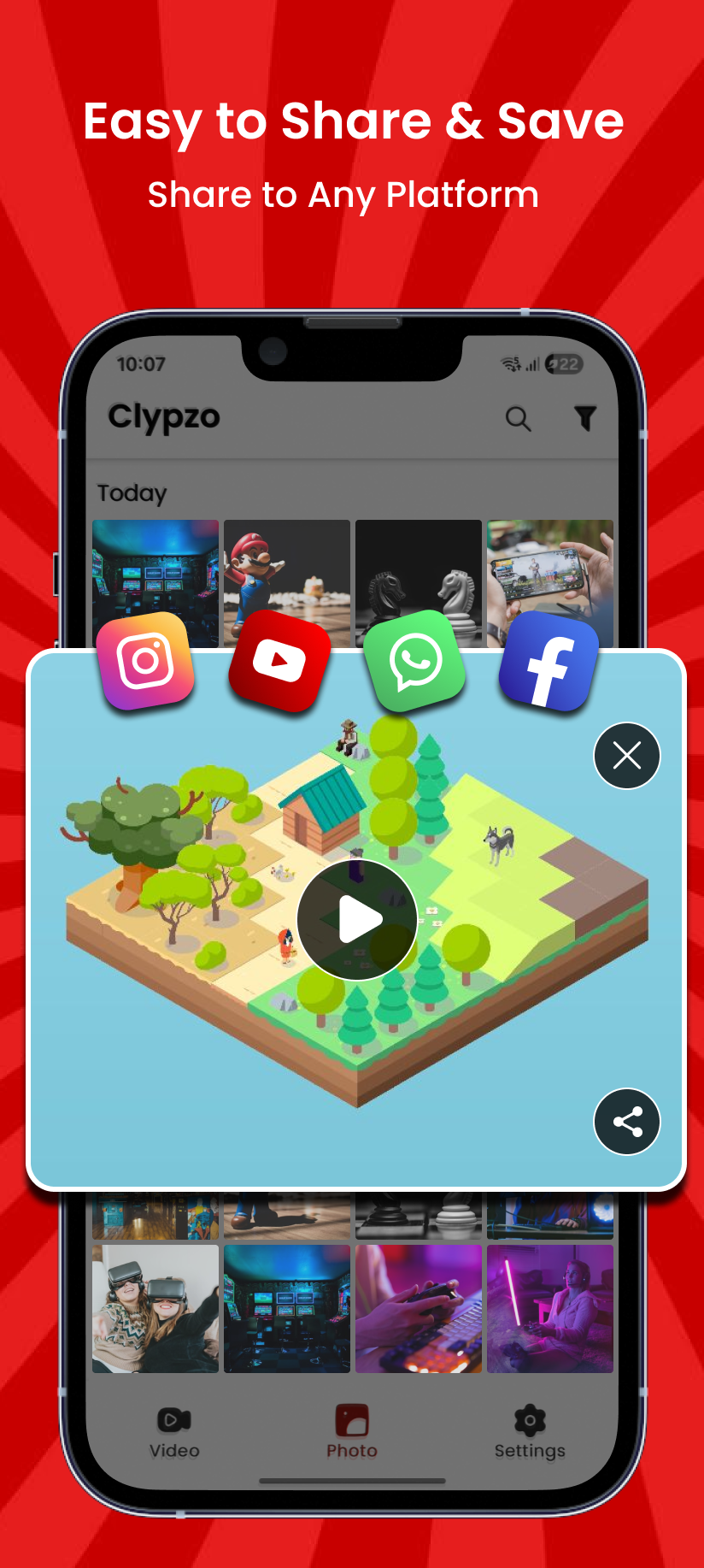
Take quick screenshots, crop them, and share instantly.

06
Learning & Classes

Record online lessons and explain with facecam and markup tools.

Pricing

Pricing

Clypzo is 100% free. No subscriptions. No premium plans. All features included.

Download Clypzo from Google Play

Get the best screen recorder for Android with audio, facecam, screen markup, and screen capture. No watermark. No time limit.

Support: info@tasakiaps.com

Download Clypzo screen recorder
Contact

Contact Us

Have a question or feedback? We would like to hear from you.

Contact Clypzo Support

For help, suggestions, or bug reports, email us and we will respond as soon as possible.

We do not upload your recordings. Files stay on your device.
Loading
Your message has been sent. Thank you!